ChatNexus User Guide
Everything you need to build, deploy, and manage your ChatNexus AI assistants — step by step.
Testing & Optimizing
Test your agent's responses and refine them for the best results.
Use the Built-in Test Chat
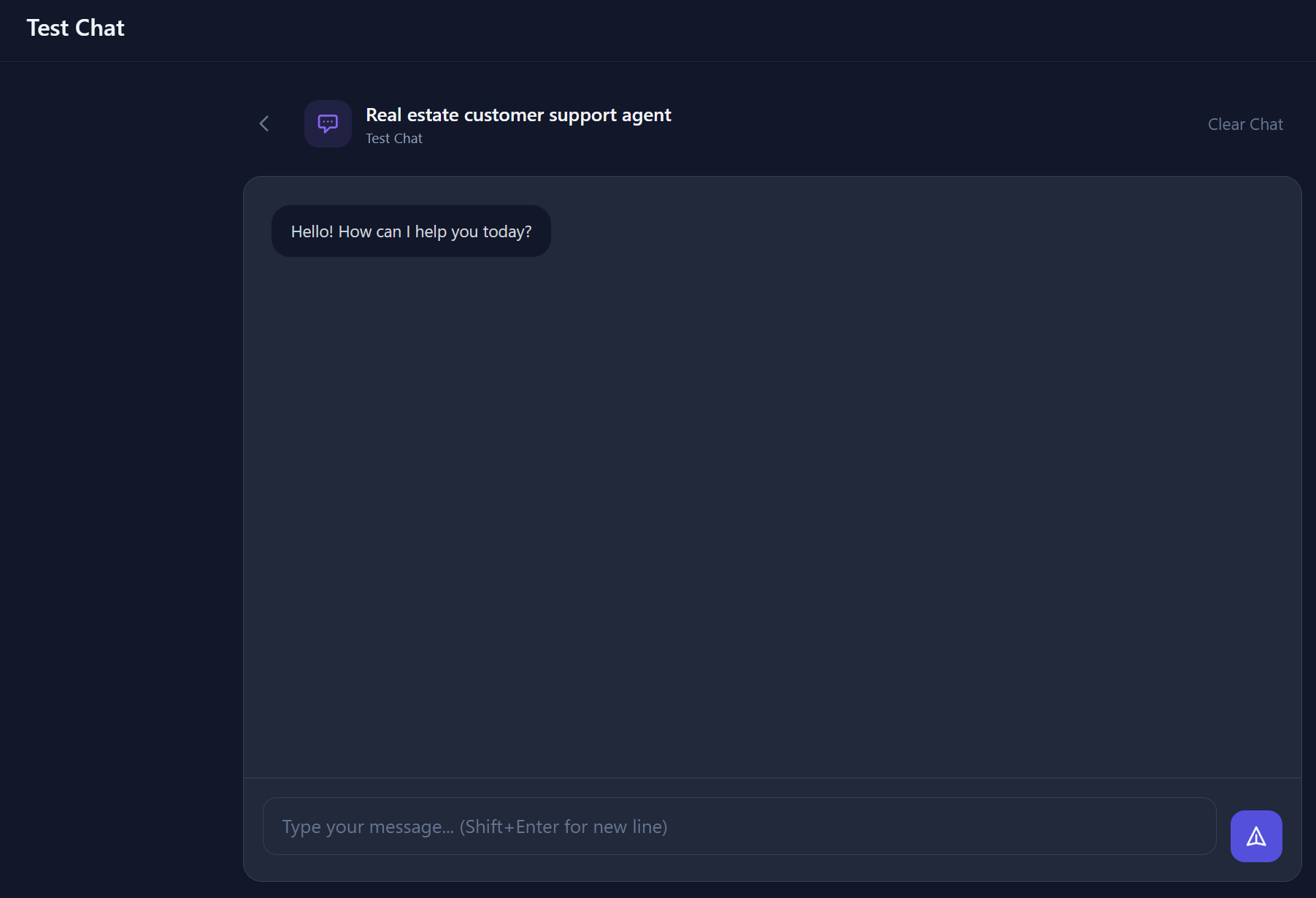
Every agent has a Test Chat panel built right into the agent detail page. This lets you interact with your agent in real-time - exactly as your website visitors will.
- Ask questions to test how your agent responds
- Verify that knowledge base content is being retrieved correctly
- Test edge cases and unusual questions
- Responses are streamed in real-time, matching the production widget behaviour
Review Conversation History
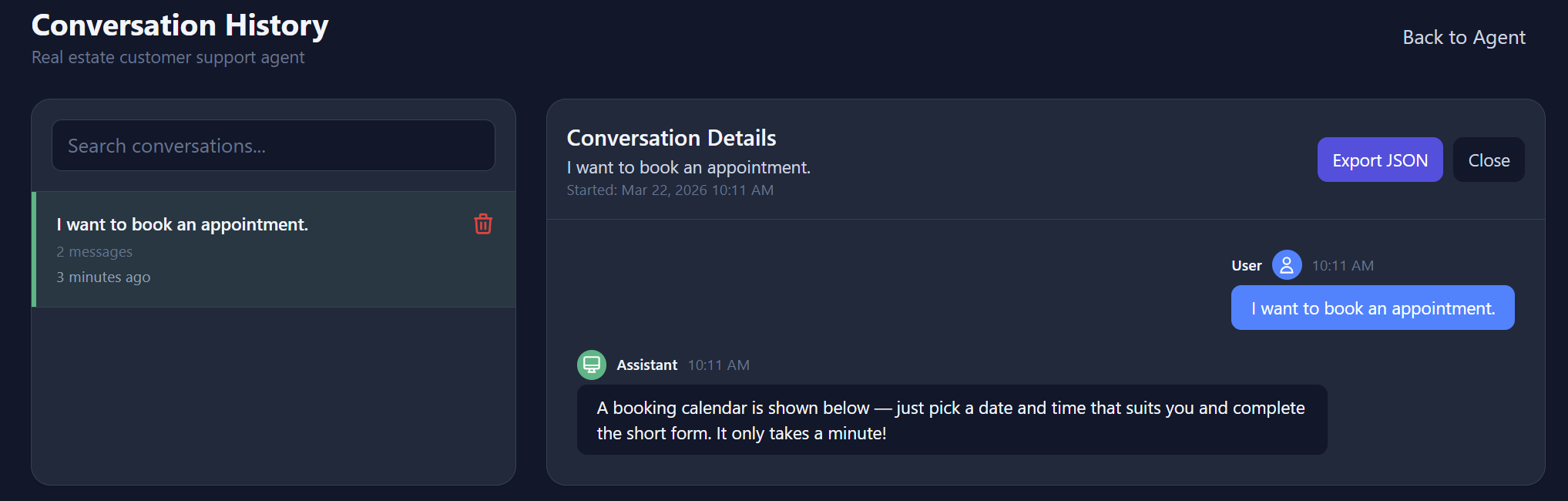
The Conversations tab shows all past interactions with your agent - from both test sessions and real website visitors.
- Search - Find specific conversations by keyword
- View details - Click any conversation to see the full message exchange
- Delete - Remove conversations you no longer need
Export Conversations
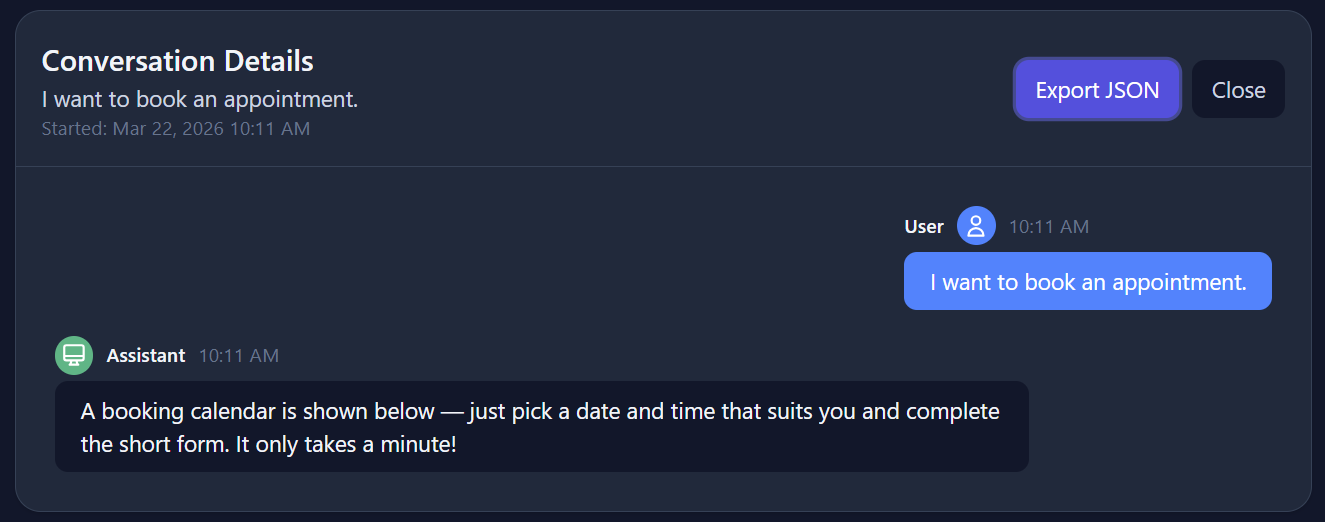
Export conversation data as JSON for further analysis, record-keeping, or integration with your own systems.
Tips for Better Responses
Here are some strategies to improve your agent's performance:
🎯 Be specific in your System Instruction
Instead of "be helpful", specify the agent's role, tone, and boundaries. E.g., "You are a customer support agent for a SaaS company. Be concise and professional. Only answer questions about our product."
📚 Add targeted knowledge
Rather than dumping your entire website, add focused, well-structured content. FAQ-style entries (question + answer) often work best.
🔄 Iterate based on real conversations
Review your conversation history regularly. If users frequently ask questions your agent can't answer, add that information to the knowledge base.
🤖 Try different AI models
Different AI models have different strengths. You can switch your agent's model from the agent settings to see which one delivers the best results for your use case.