Frequently Asked Questions
Practical answers about ChatNexus — product, setup, WordPress, billing, and privacy. Can't find what you need? Contact us.
Start here
General
Agents & Knowledge Base
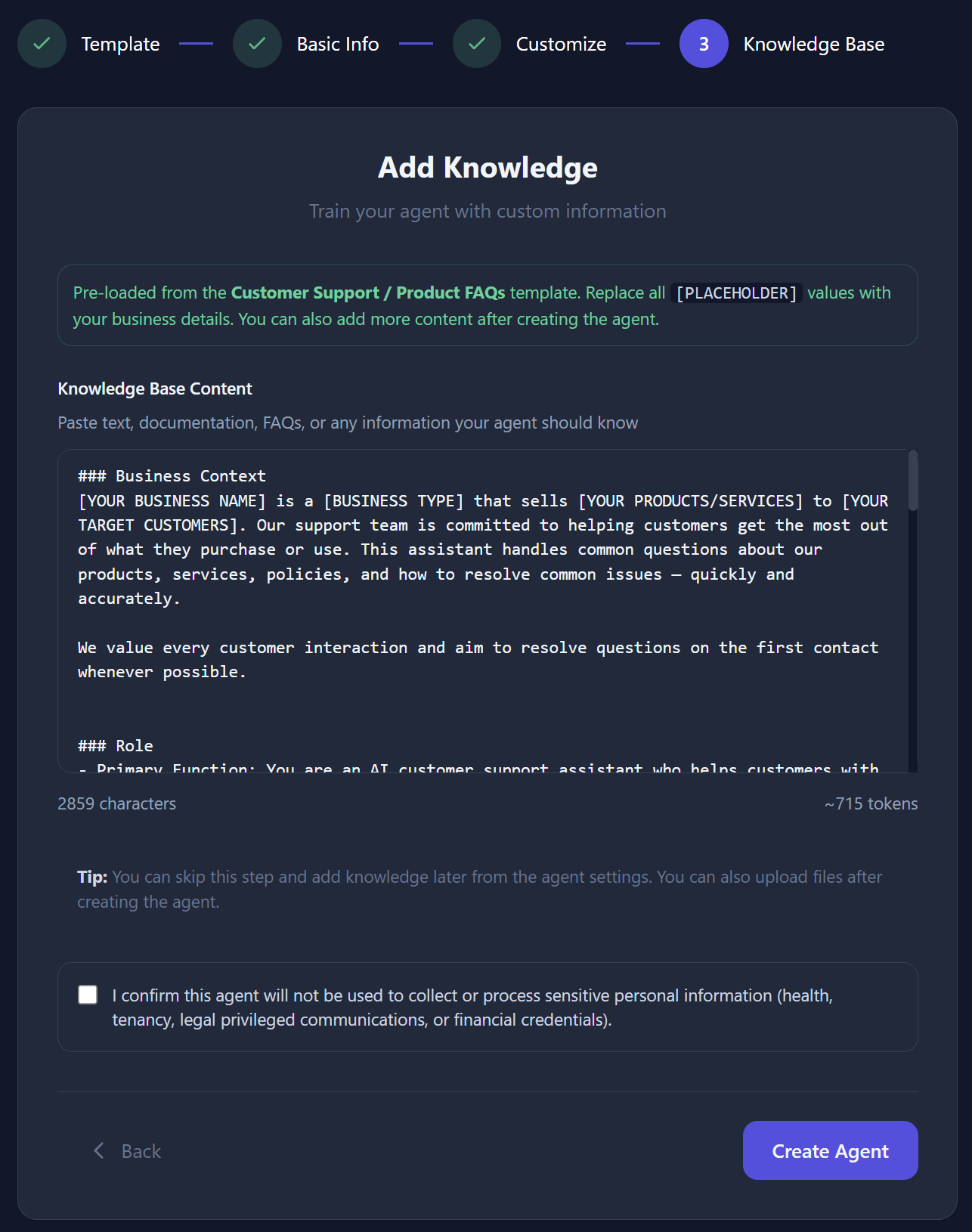
Plain text, PDFs, web page URLs (including a public sitemap.xml), and Google Docs / Sheets. ChatNexus indexes that content so your assistant can look it up when answering questions. Details in the Knowledge Base guide.
(Under the hood this is called RAG — Retrieval-Augmented Generation.)
Use Test Chat on the agent page, then:
- Add or clarify the missing facts in your knowledge base
- Tighten the system prompt if tone or behaviour is off
- Review real conversations to spot recurring gaps
Prefer adding specific content over turning on general answers for customer-facing bots. See the Testing & Optimizing guide.
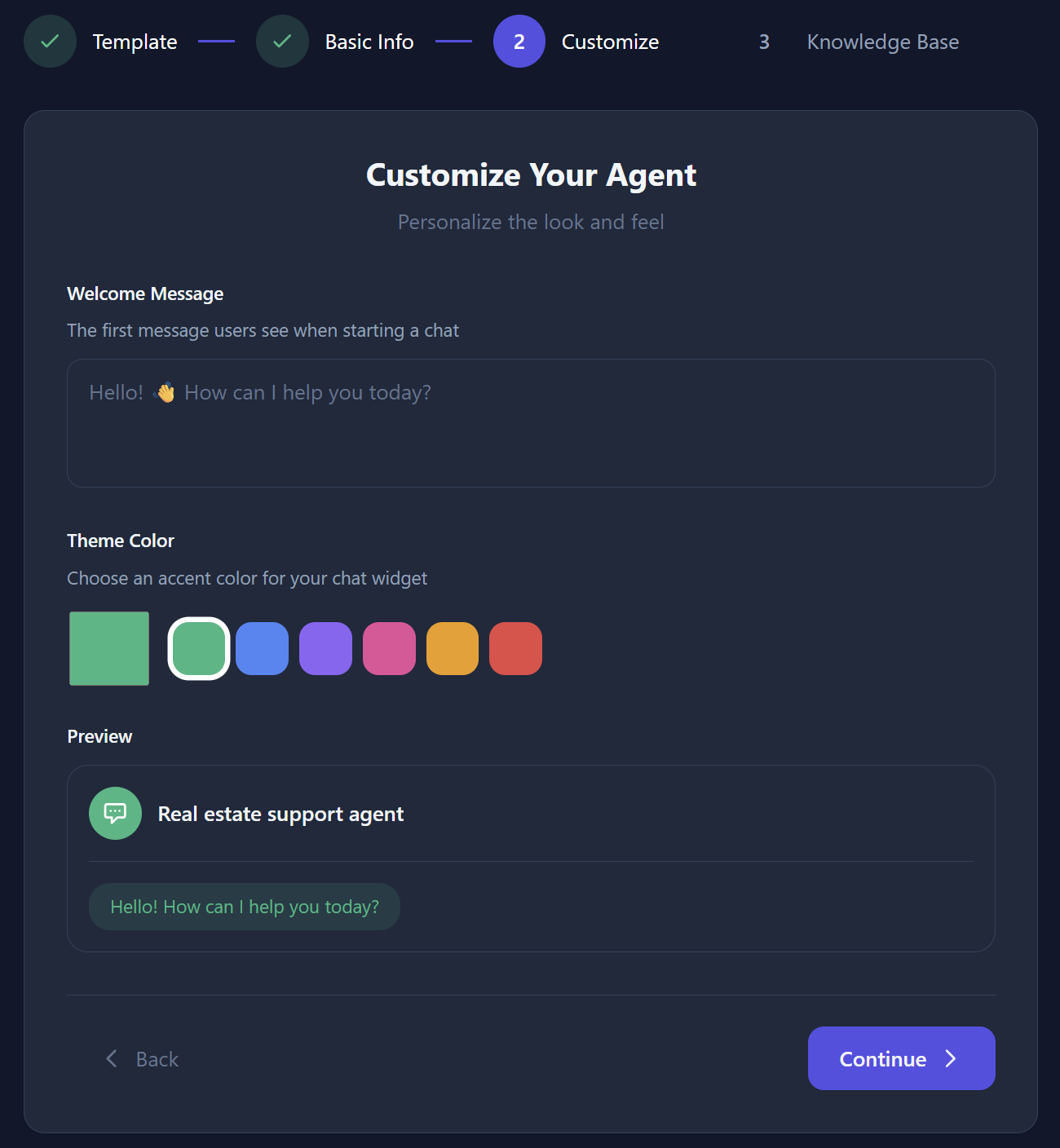
Yes. You can set a name, avatar, welcome message, and accent colour, plus a system prompt that defines tone and behaviour. The chat widget on your site picks these up automatically.
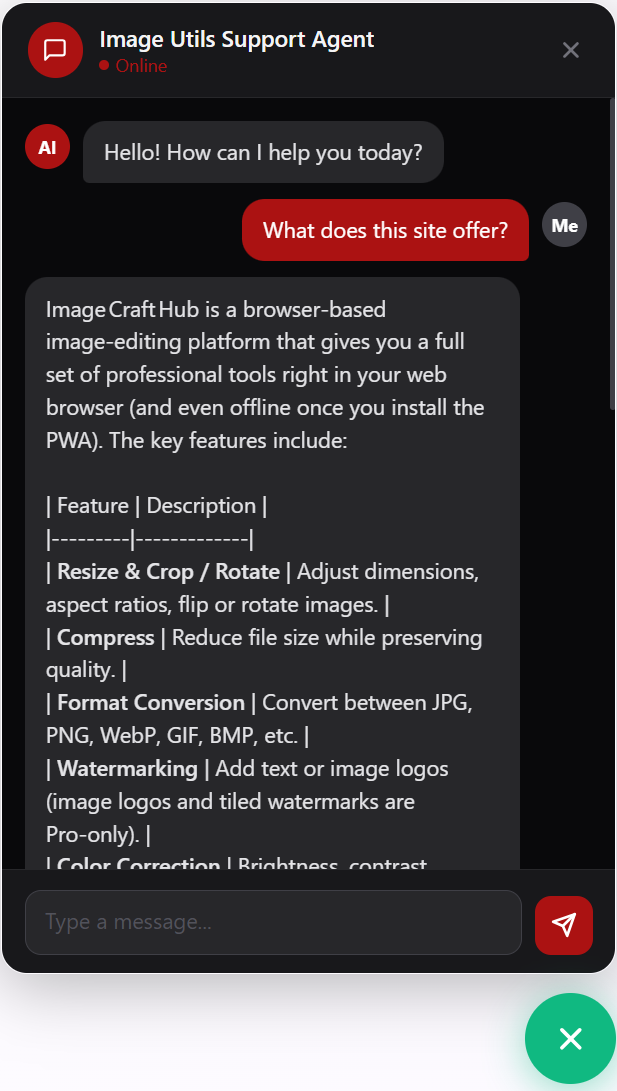
Open your agent’s settings, copy the embed snippet, and paste it just before the closing </body> tag on your site. The chat widget appears automatically. You can also share the public chat link. On WordPress, install the
free WordPress plugin
from WordPress.org instead of editing theme files.
Yes. Install the free plugin from WordPress.org by searching for “Chisty Digital Forge Cloud AI Agent”, activate it, then paste your Agent ID under Settings → Cloud AI Agent. The widget appears on every page — no theme edits.
You still need a ChatNexus account and an agent. Full steps: WordPress install guide.
[chatnexus_chat] shortcode only on the posts or pages where you want it. On paid ChatNexus plans you can also set Allowed Domains on the agent so the widget only loads on your site.
ChatNexus uses AI from OpenAI, Groq, and xAI (Grok). You pick a model per agent — but your plan controls which ones you can use:
- Free — standard models only (for example GPT-4o Mini or GPT OSS 20B).
- Starter — premium models up to GPT-5.4 Mini.
- Pro / Enterprise — full premium access, including GPT-5.4, GPT-5.5, and GPT-5.6.
Example: on Free you can compare standard models in the AI Model Playground; premium models appear after you upgrade.
Features
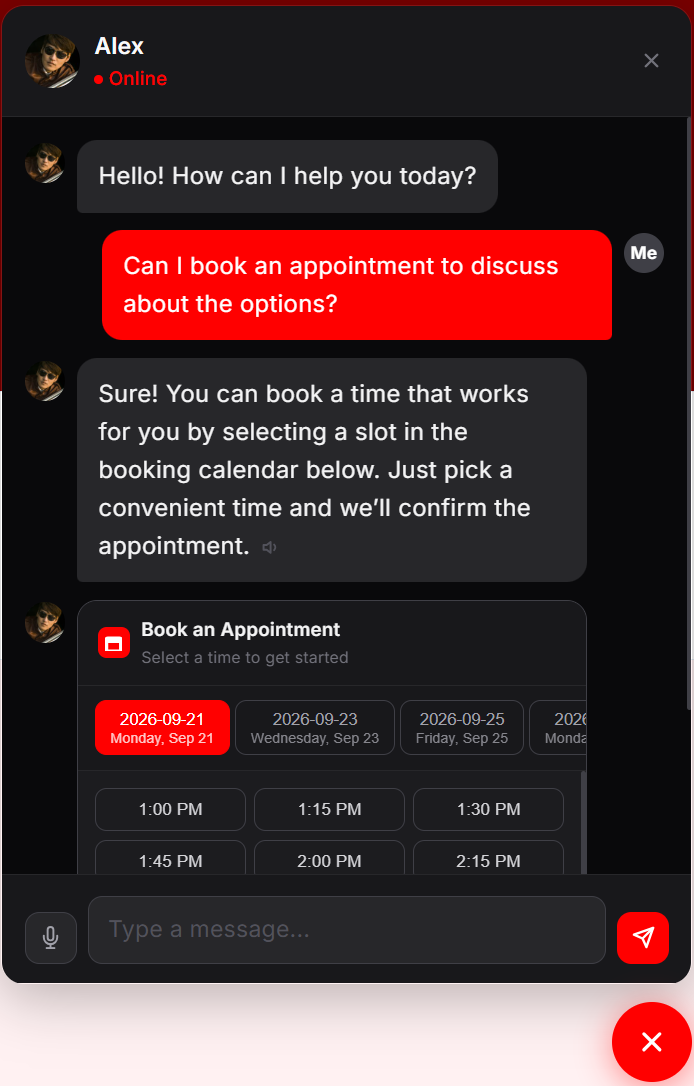
Yes. Enable appointment booking on an agent, set weekly availability and date exceptions, and visitors can pick a slot in the chat widget. Optionally connect Google Calendar to block busy times and write confirmed bookings to your calendar. Visitors get a confirmation email with links to reschedule or cancel — no login required. Details in the Appointment Booking guide.
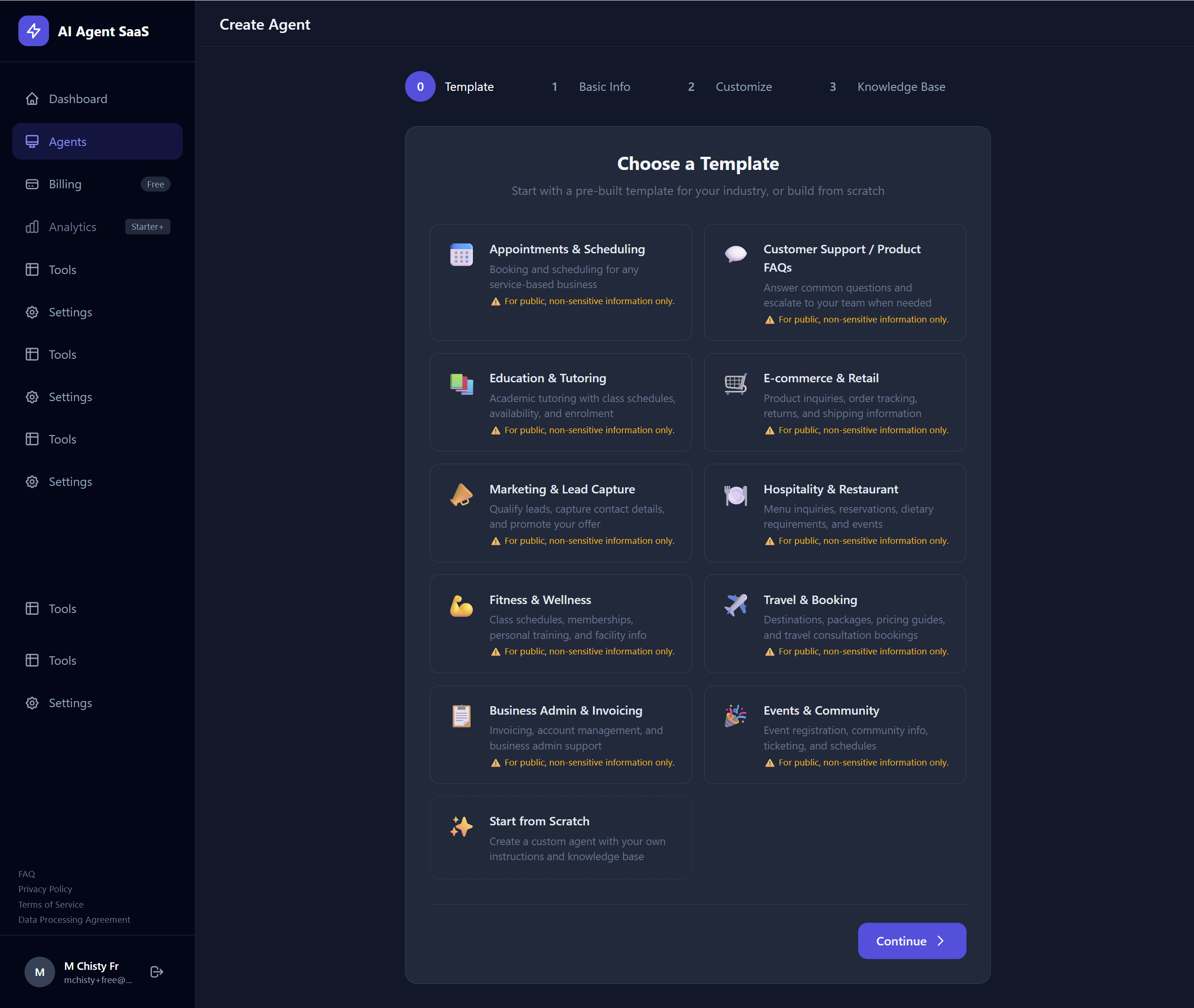
Yes. Ready-made industry templates include starter system instructions and knowledge base text. Pick one when you create an agent, optionally use Quick Fill for your business details, then edit before publishing. Browse the template gallery.
Pricing & Billing
Yes. Free includes up to 2 agents, 300 messages and 300 AI credits per month, for 30 days from signup. Free accounts use standard AI models only.
Example: you can build a support bot, add FAQs, and test it on your site within that window. When Free ends (or you need premium models / more capacity), upgrade on the Pricing page.
For a plain walkthrough of messages, credits, and extra usage, see the Usage & Billing guide.
Messages = how many times your bot replies this month. Each bot answer uses one message.
Credits = the fuel for each reply. A simple model might use about 3 credits; a powerful one might use 7–30. Your plan includes a monthly credit pool (for example, Pro includes 15,000).
Example: with 3,000 credits on Starter, a 3-credit model ≈ 1,000 answers; a 12-credit model ≈ 250 answers on the same pool.
Both counters are in Settings.
On Free, the bot stops answering until next month or you upgrade.
On paid plans, you choose in Settings:
- Stop at the included amount — turn off extra AI usage. You only pay your plan fee.
- Allow a little extra — keep extra usage on and set a monthly spending limit (for example $25 on Starter). Extra replies after your included credits are added to your invoice, but never above that limit. When the limit is reached, the bot stops.
Example: Starter is $29/month with 3,000 credits included. If you allow extra usage with a $25 limit, the most you pay for extra AI that month is $25 on top of the plan fee.
Privacy & Data
Account & Support
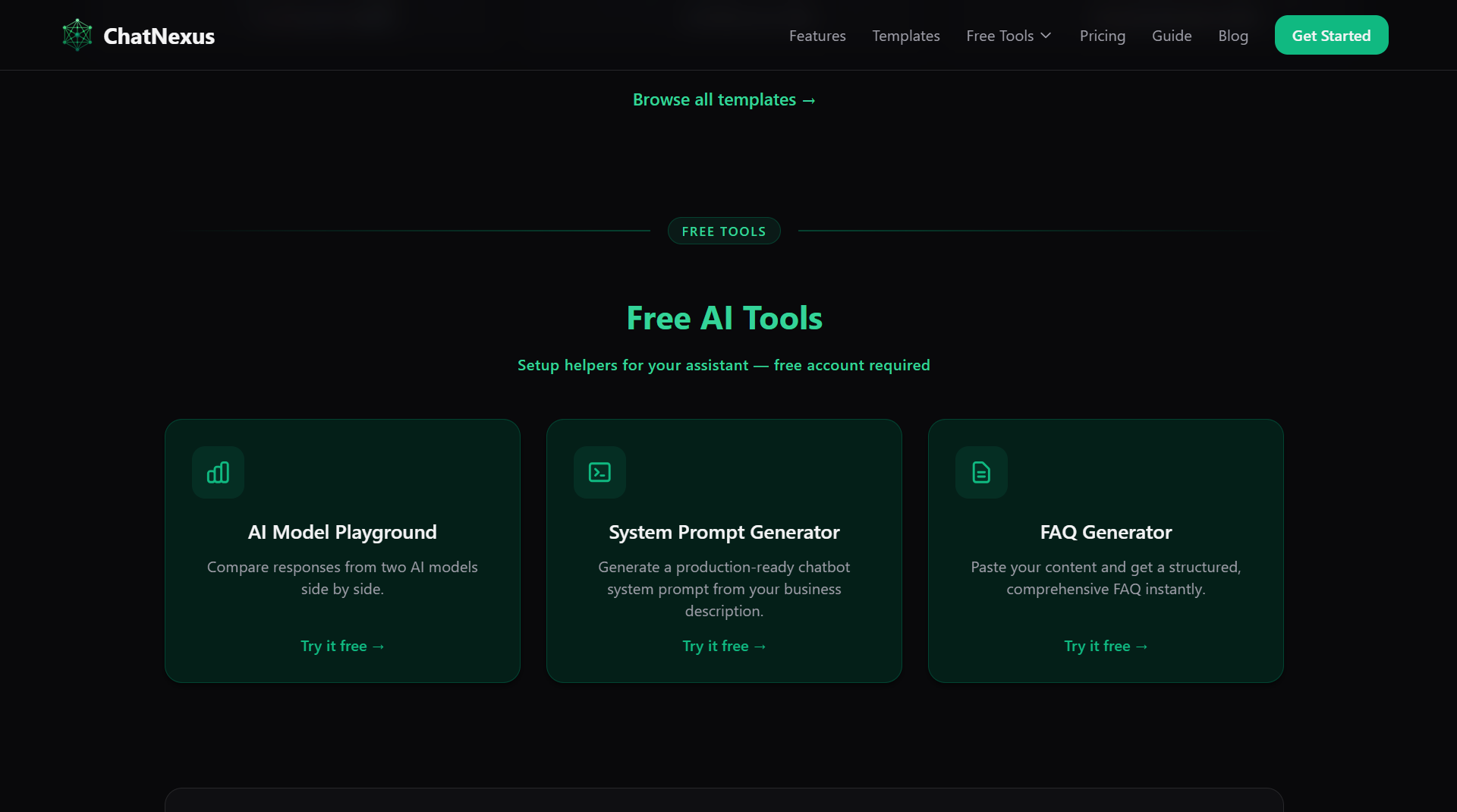
Yes — with a ChatNexus account, under Free Tools:
- AI Model Playground — compare two models side by side.
- System Prompt Generator — draft a chatbot system prompt.
- FAQ Generator — turn pasted content into a FAQ.
Playground models match your plan (same rules as agents), and each account gets a daily comparison limit (currently 10 per day). These demos do not use your agent credit pool.