ChatNexus User Guide
Everything you need to build, deploy, and manage your ChatNexus AI assistants — step by step.
Knowledge Base
Feed your agent with data from multiple sources to give it expertise.
Your agent's knowledge base is what makes it useful. The more relevant content you provide, the better your agent can answer questions. ChatNexus supports four ingestion methods, and all content is automatically chunked and embedded for AI-powered retrieval.
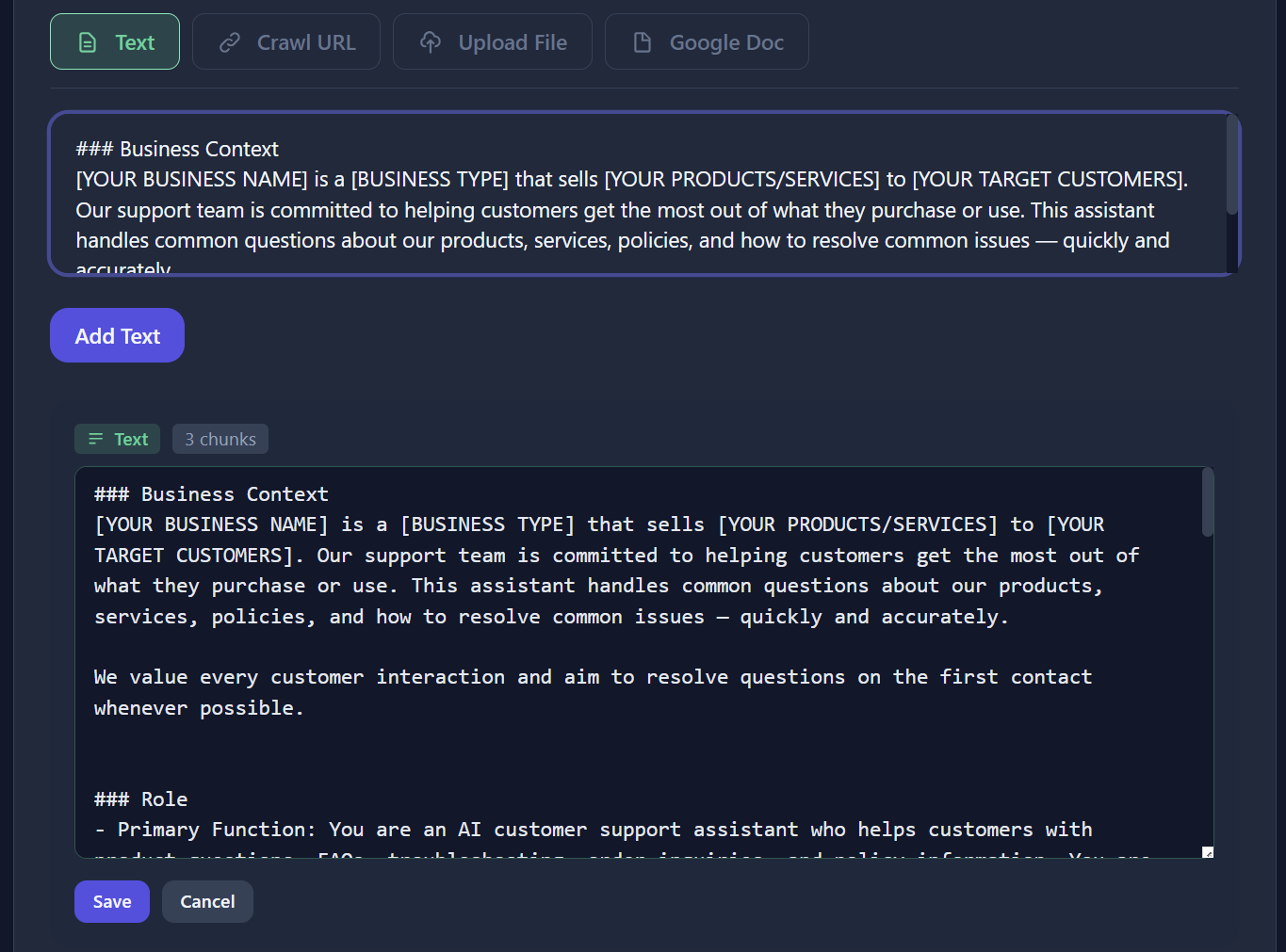
Text Entry
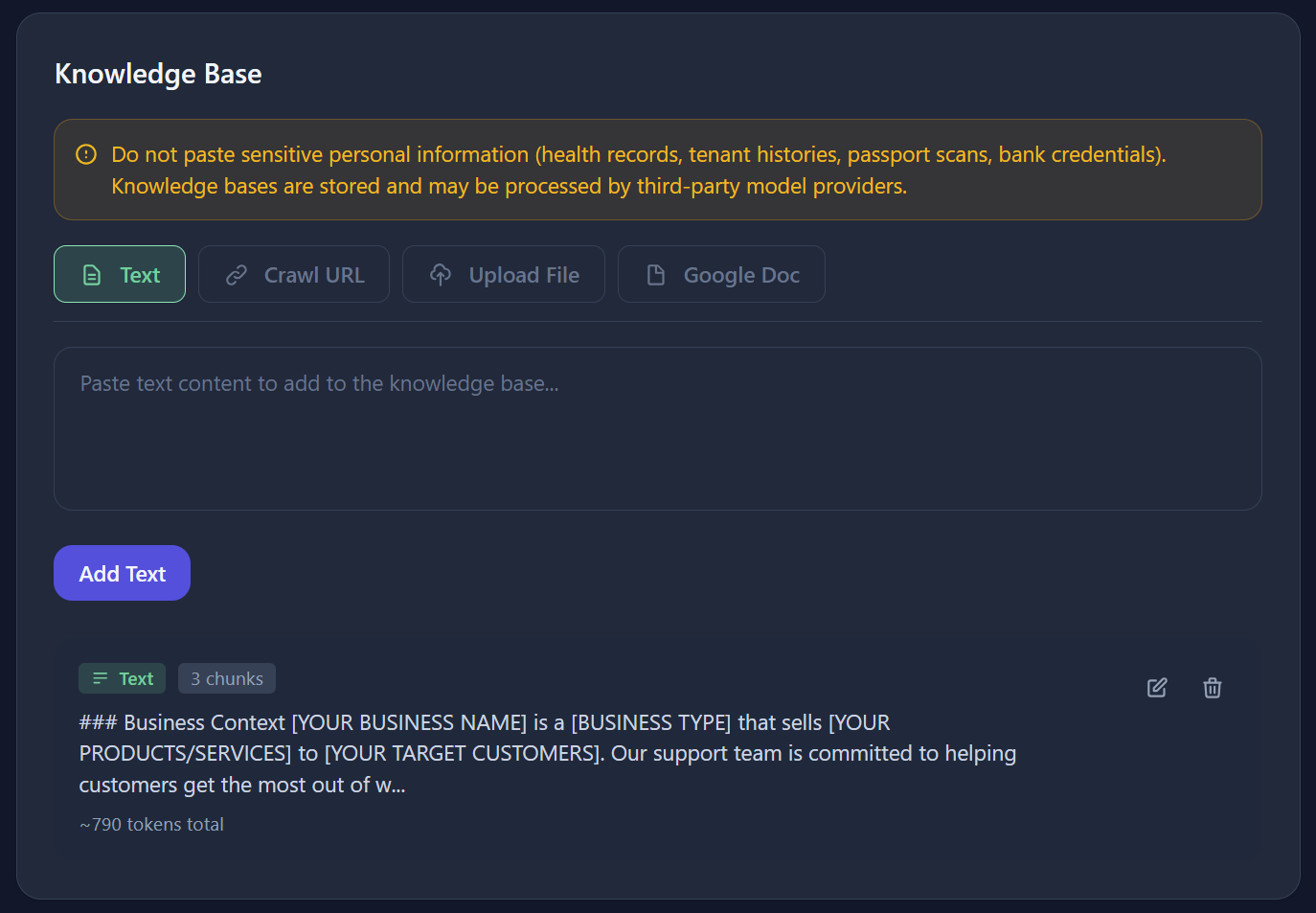
The simplest way to add knowledge. Navigate to your agent's detail page, open the Knowledge Base tab, and click Add Text.
- Paste or type your content directly (up to 100KB per entry)
- Give it a descriptive title for easy reference
- Content is automatically chunked and embedded upon saving
File Upload
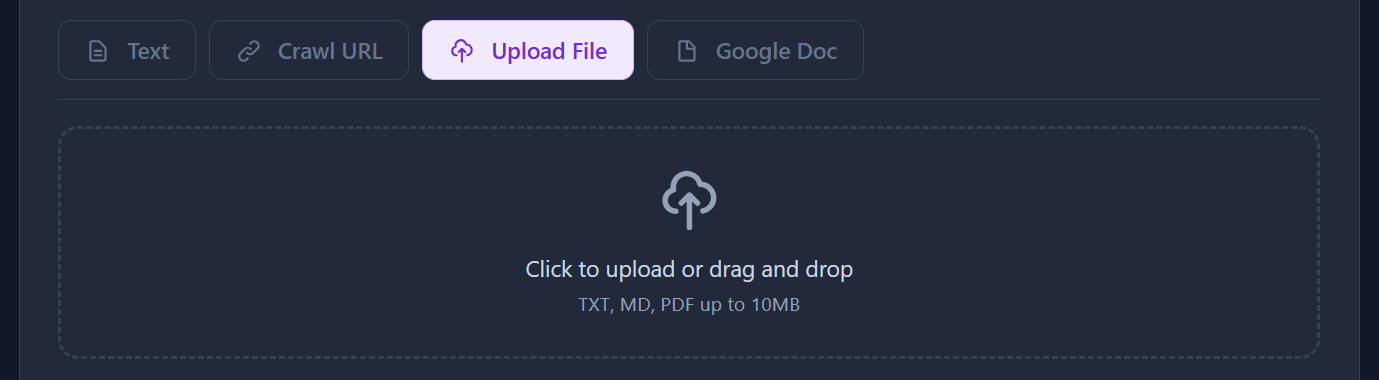
Upload documents and ChatNexus will extract the text content automatically.
- Supported formats: PDF, TXT, MD
- Max file size: Depends on your plan (5MB Free → 100MB Enterprise)
- PDF files are parsed with text extraction - images within PDFs are not processed
URL Crawling
Import content from web pages. Enter page URLs or a public sitemap.xml
(one per line). ChatNexus expands sitemaps into page links, crawls each page, extracts the text,
and adds it to your knowledge base.
- Supports single pages, bulk URL lists, and sitemap / sitemap-index XML
- Capped per crawl so large sites stay manageable (see the Crawl URL tab for the current limit)
- Success and failure tracking with word/chunk metrics
- Ideal for FAQ pages, product pages, documentation sites, etc.
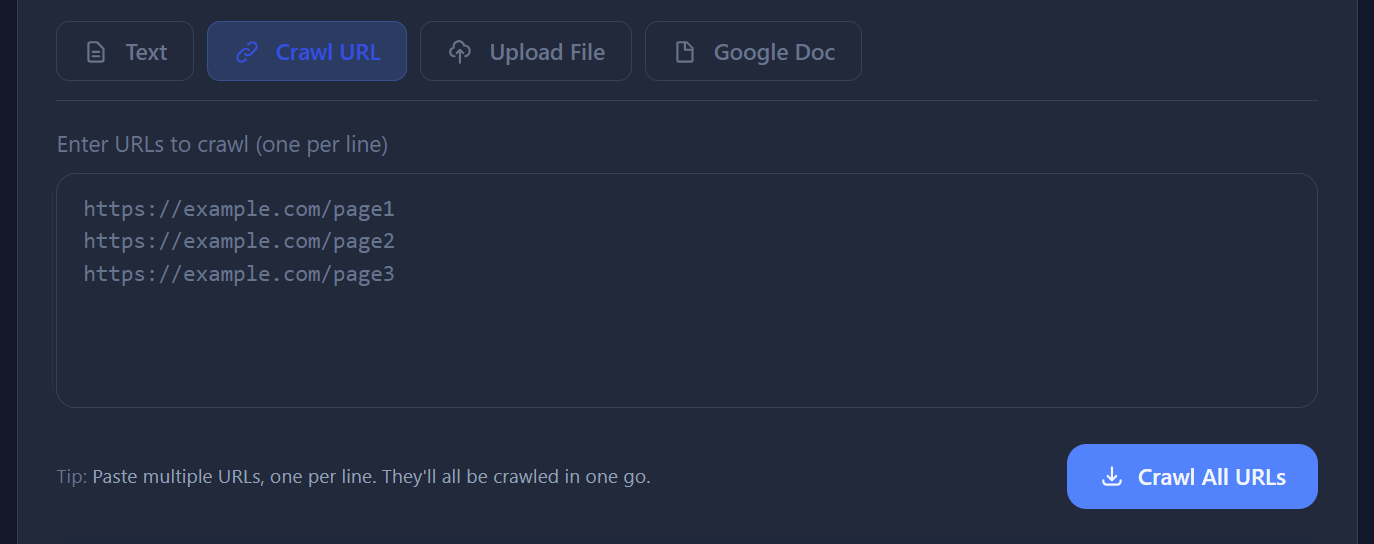
https://yoursite.com/sitemap.xml
to expand into page URLs automatically, or paste individual page URLs one per line.
Very large sitemaps are capped per crawl — run again with remaining URLs if needed.
Google Docs Sync
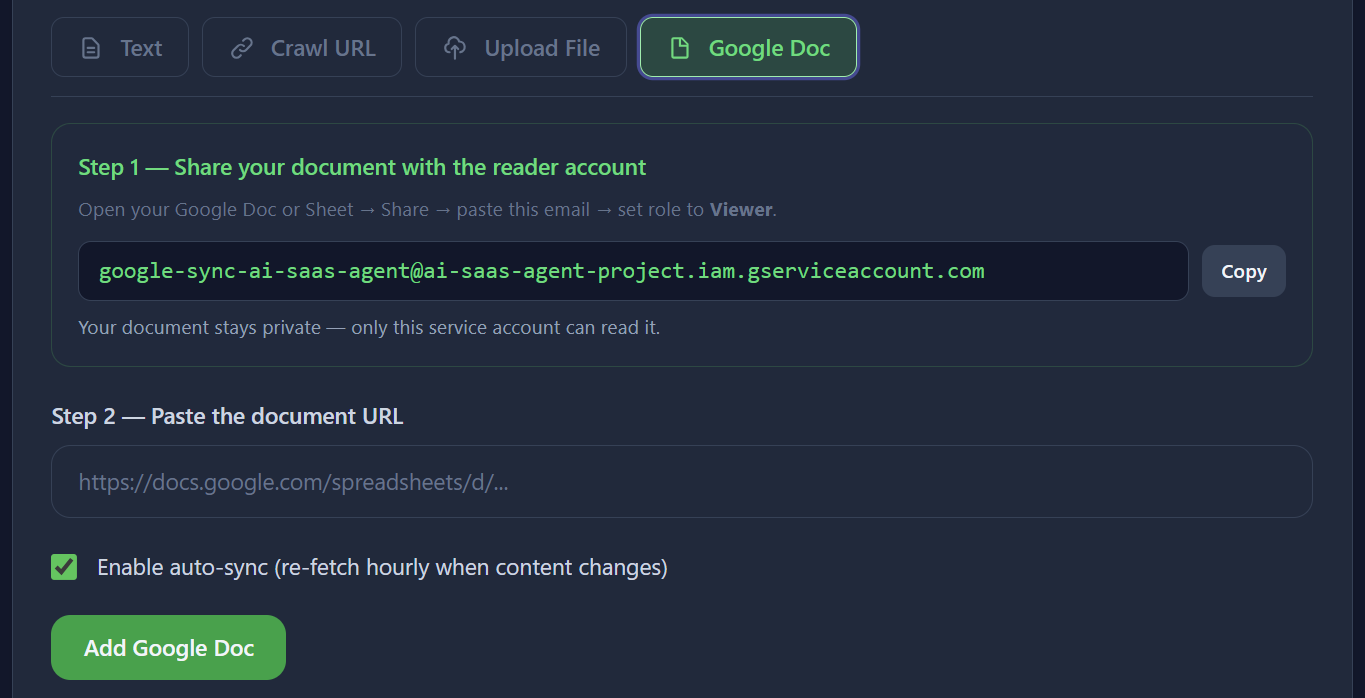
Connect a Google Doc by pasting its shared URL. The content is imported and can optionally be set to auto-refresh periodically via a background job.
- Paste any Google Docs shared link (must be publicly accessible or shared with the service)
- Enable auto-sync to keep your knowledge base up to date as the doc changes
- Content hash tracking prevents unnecessary re-processing
Managing Your Knowledge Base
All your knowledge entries are listed on the agent's Knowledge Base tab. From here you can:
- Edit - Update content; it will be re-chunked and re-embedded automatically
- Delete - Remove an entry and all its associated chunks
- View Chunks - Inspect the individual chunks that were created from your content
Knowledge Base Limits by Plan
| Plan | KB Entries / Agent | Max File Size |
|---|---|---|
| Free | 100 | 5 MB |
| Starter | 200 | 20 MB |
| Pro | 1,000 | 50 MB |
| Enterprise | Unlimited | 100 MB |