User Guide
Everything you need to build, deploy, and manage your AI assistants — step by step.
Getting Started
Create your account and get set up in minutes.
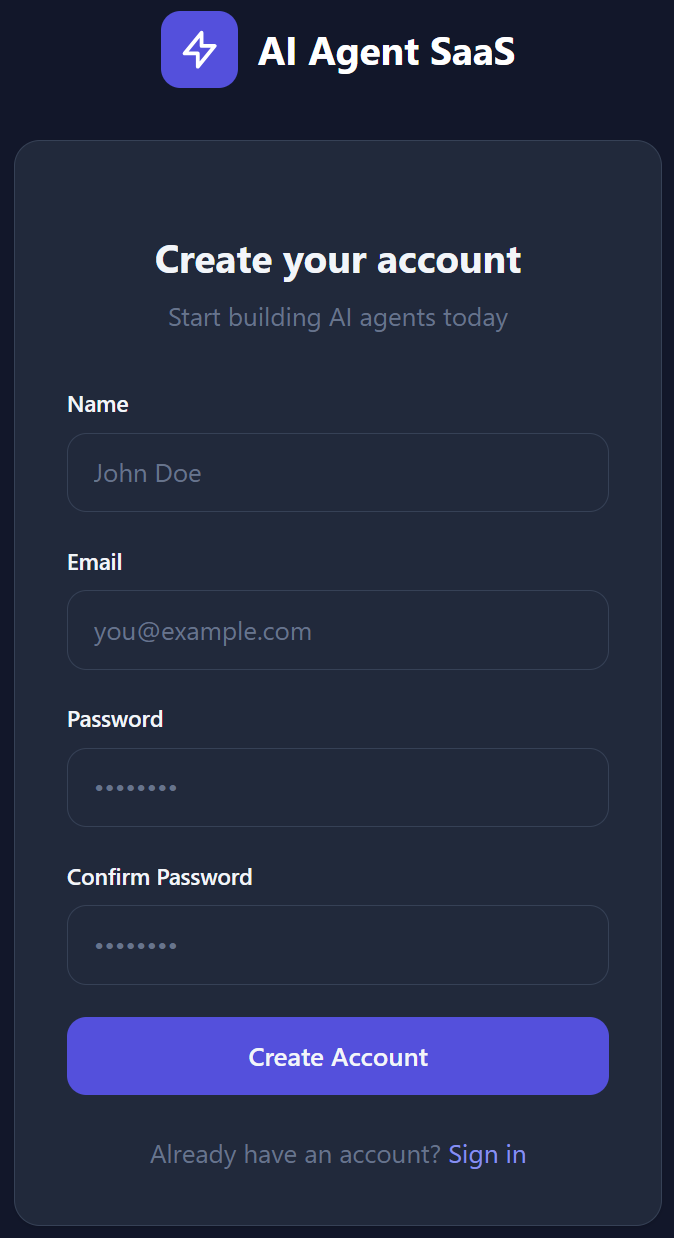
Create Your Account
Visit the ChatNexus homepage and click Get Started in the top navigation bar. You'll be taken to the registration page where you can either use Sign up with Google for one-click access or continue with email.
If you choose email signup, fill in the following details:
- Full Name - Your display name (2–100 characters)
- Email Address - Must be unique and valid
- Password - Minimum 8 characters with mixed case and numbers
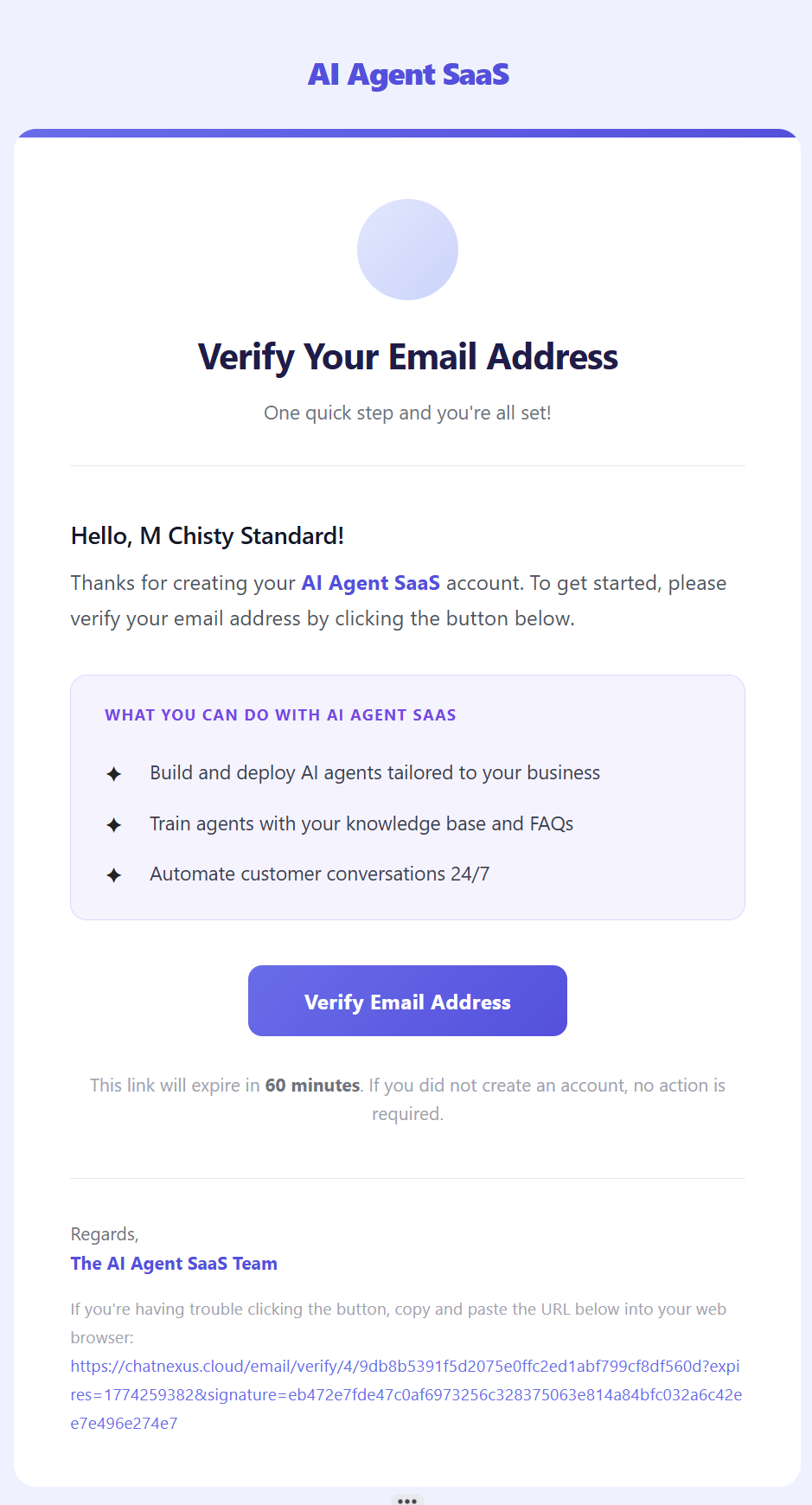
Verify Your Email
If you sign up with email + password, you'll receive a verification email. Click the link in the email to verify your account. If you use Google signup, your email is verified automatically and this step is skipped.
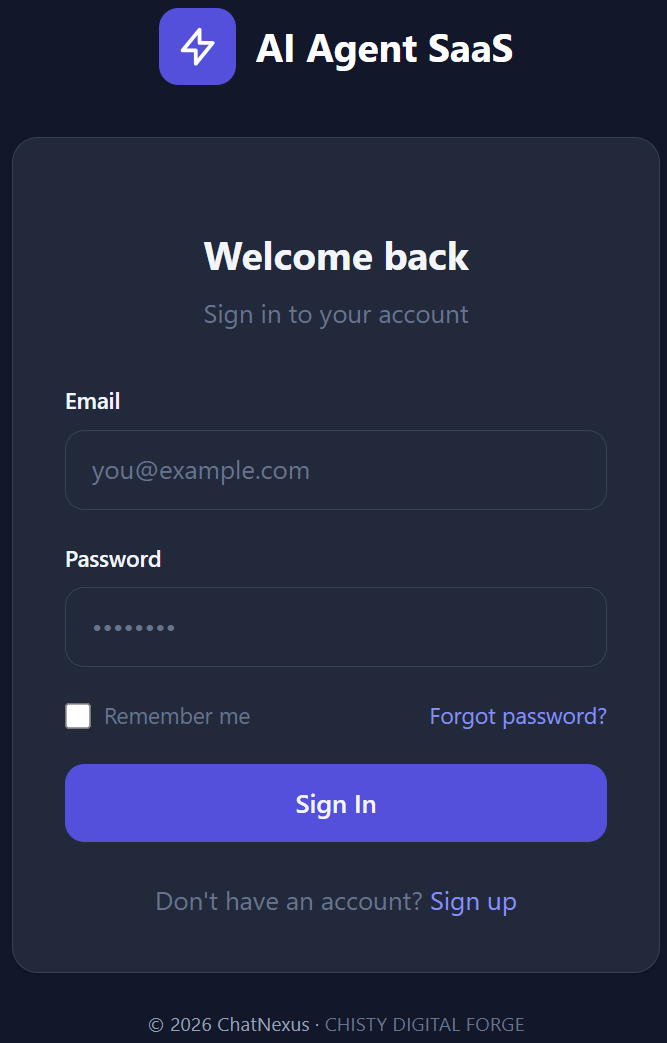
Log In
On the login page, use Sign in with Google for one-click access, or enter your email and password. Check "Remember me" to stay signed in across sessions.
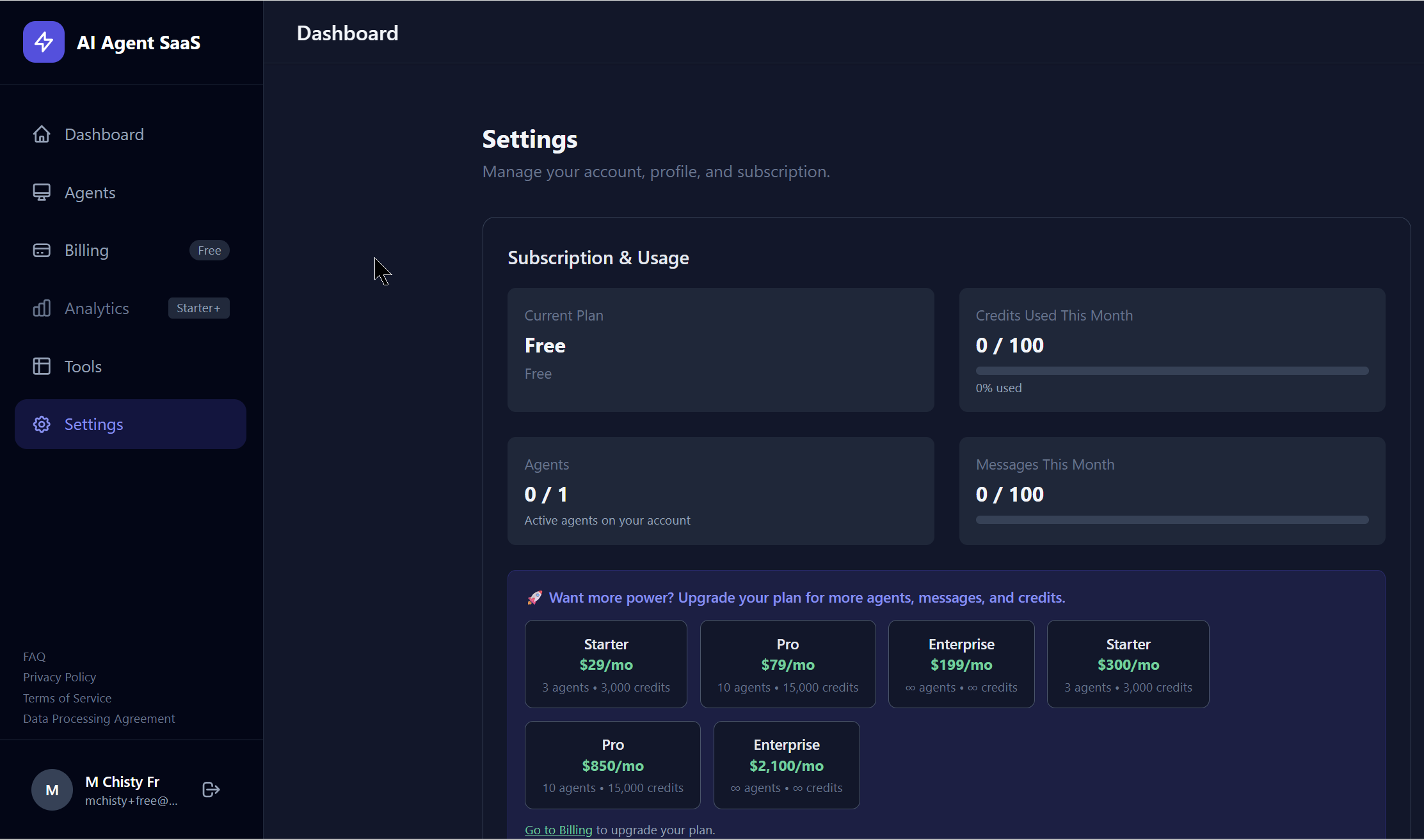
Your Settings
From the dashboard, navigate to Settings to update your profile. Here you can:
- Update your name and email address
- Change your password (requires your current password)
- View your current plan and this month’s messages and credits used
- Control optional extra AI usage and your monthly spending limit (paid plans)
- See your next billing date or free-access expiry
New to messages and credits? Read the Usage & Billing guide.